
# Peysoh Propad | Advanced Vehicle Theft
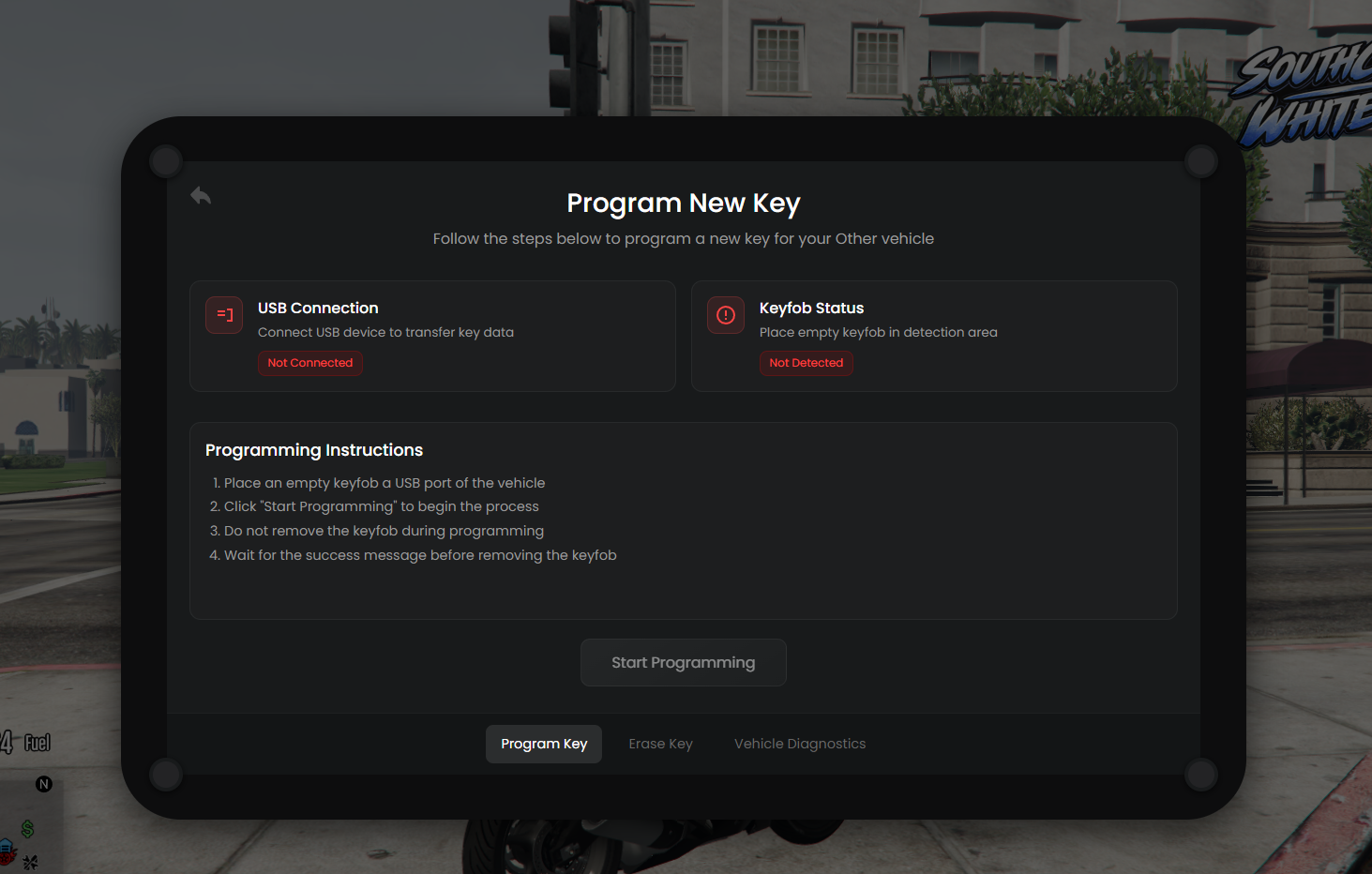
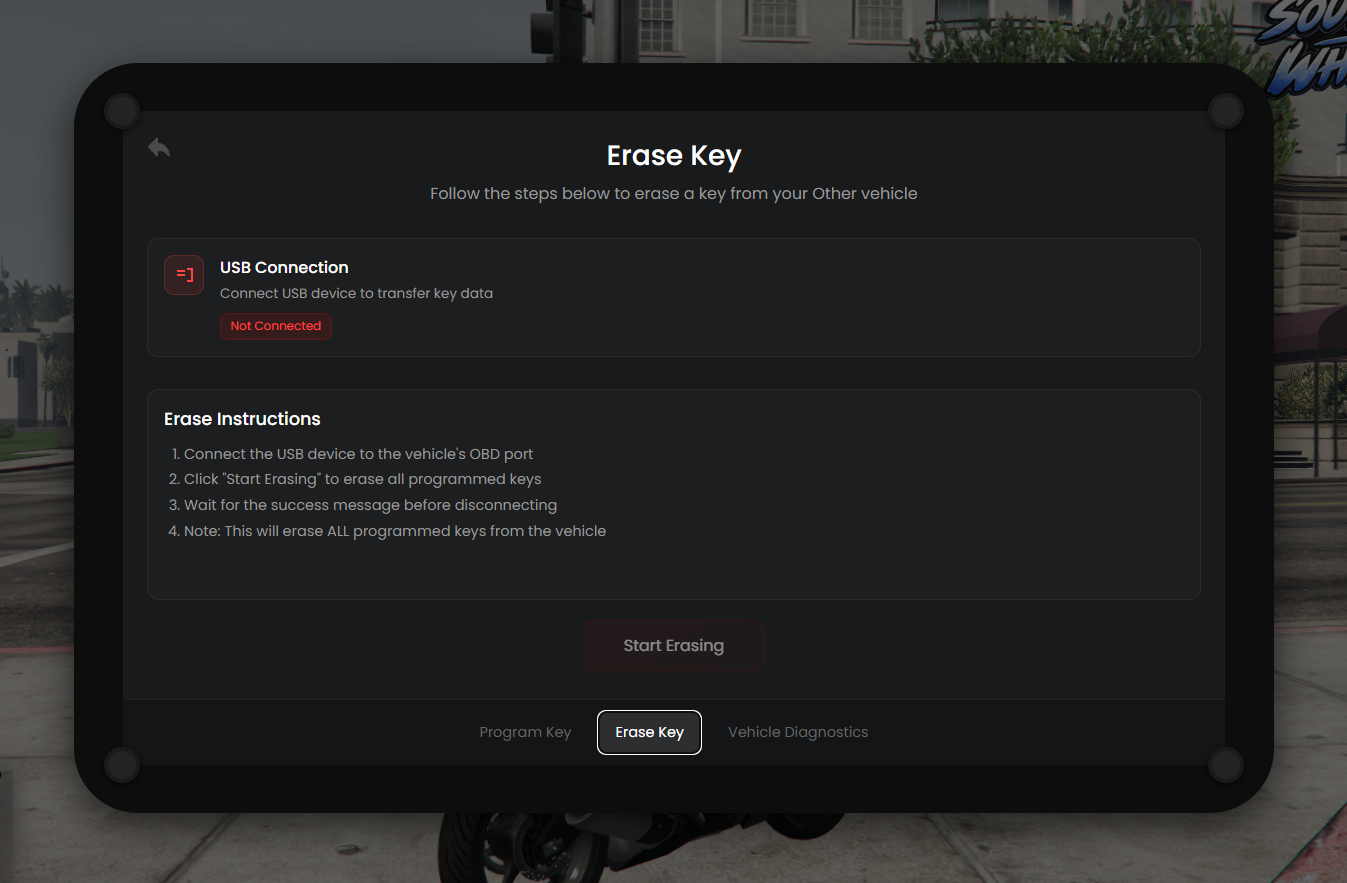
Give your criminals a proper way to steal cars. **Peysoh Propad** adds a hacking tablet (the PROPAD) that lets players program new keys or wipe existing ones on supported vehicles. It takes a USB stick and a blank keyfob, so every hack has a cost.
## Features
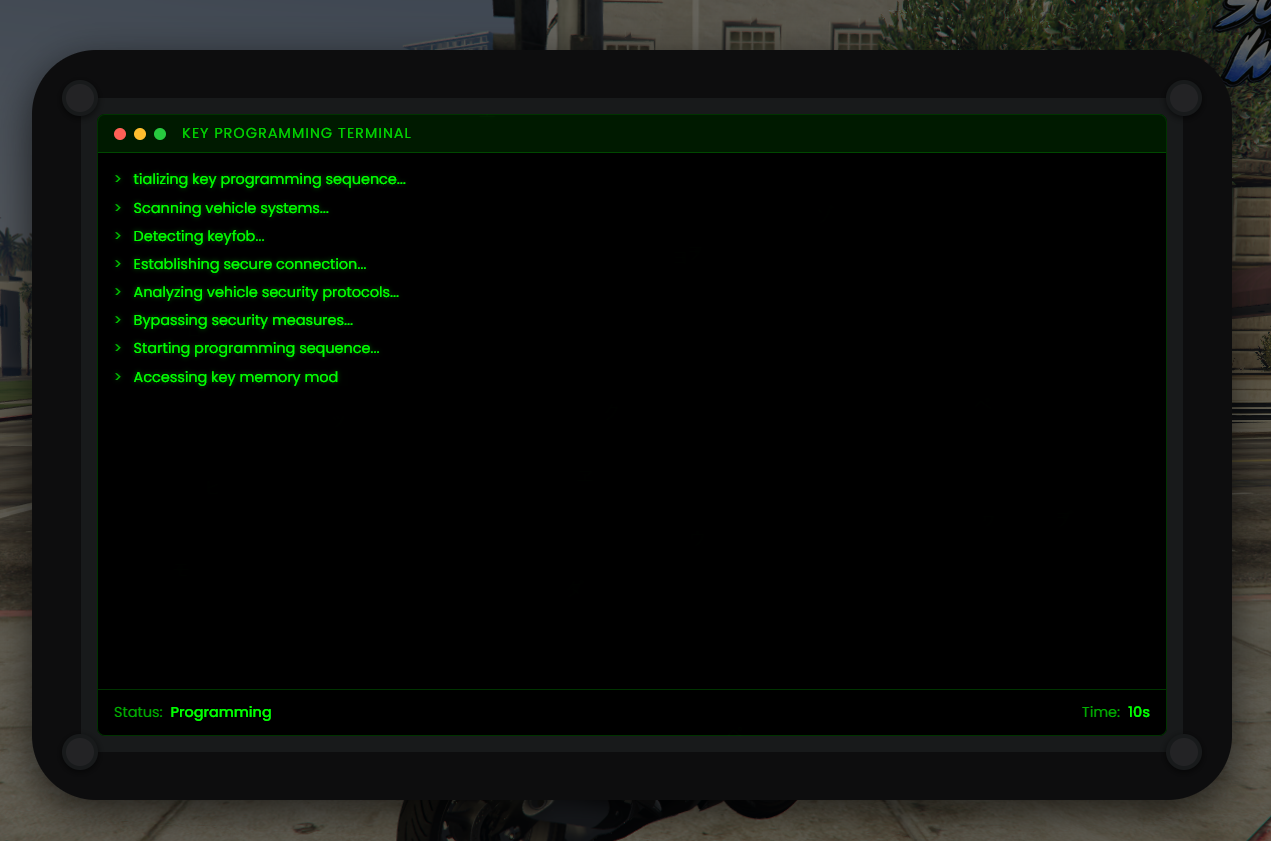
- Modern tablet UI with animated terminal sequences
- **Program Key**: create a working key for a vehicle
- **Erase Key**: wipe all programmed keys from a vehicle
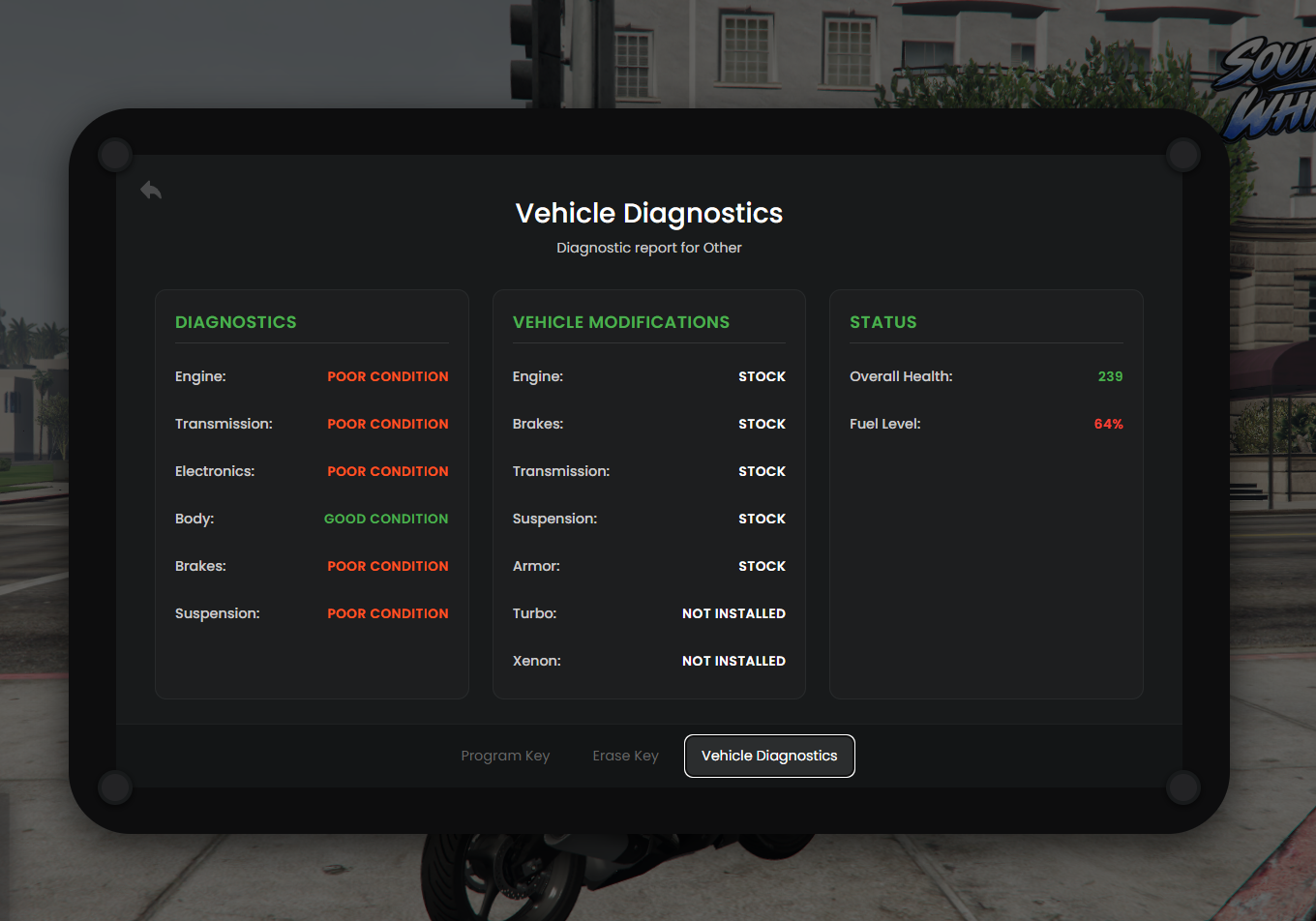
- **Vehicle Diagnostics**: engine, body and fuel readout
- Brand-restricted hacking, so the PROPAD only works on the vehicle brands you allow
- "Other" card for vehicles that don't belong to a listed brand
- USB and empty keyfob are consumed on every successful hack
- Configurable hack durations
- Each tab can be turned on or off
- Fully translatable with JSON locale files
- Editable vehicle list in `shared/vehicles.lua`
- Customisable server logo and brand list
- Notification function can be swapped for your own
## Compatibility
**Inventories**
- ox_inventory
- qb-inventory
- qs-inventory
- ESX
**Vehicle keys**
- wasabi_carlock
- Quasar
- MrNewbVehicleKeys
- Mankind (mk_vehiclekeys)
Using something else? The bridges in `modules/bridge/` are open, so you can add your own in a few lines.
## Requirements
- ox_lib
- One supported inventory
- One supported vehicle-key resource
## Installation
1. Drop `peysoh_propad` into your resources folder (keep the folder name)
2. Add the `propad`, `usb` and `emptykeyfob` items (ready-made ox_inventory and qb-inventory definitions and images are included)
3. Add `ensure peysoh_propad` to your server.cfg after ox_lib
4. Restart and you're done
A full README with setup steps is included in the download.
## What's included
- Escrow-protected core scripts
- Open config: `shared/main.lua`, `shared/vehicles.lua`
- Open locale files and open inventory and vehicle-key bridges
- Item definitions and images in `_install`
- README with installation guide
## Support
Support is available through the Peysoh channel. Please include your server console output and a description of the problem when you ask for help.